Hello INDODAX Members,
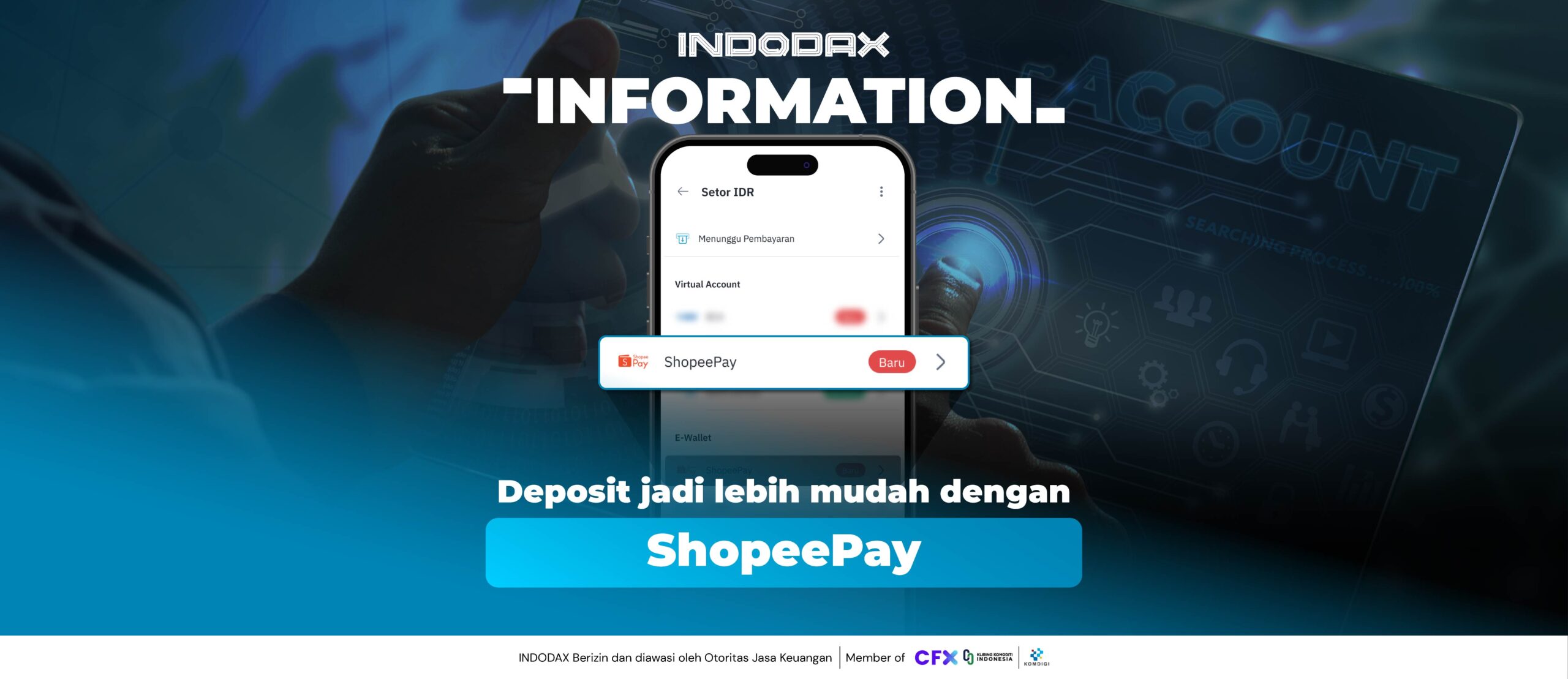
To improve INDODAX’s service, deposits are now available via the Shopee Pay e-wallet!
Here are the details regarding deposits using the Shopee Pay e-wallet:
- Minimum deposit: IDR 10,000
- Maximum deposit: IDR 20,000,000
- Deposit fee:
- 1.3% (until July 5, 2026)
- 1.5% (normal)
- Supported transfer methods: Shopee Pay account (Shopee Pay Later is not available)
- Deposits can only be made via the INDODAX mobile app.
Update the INDODAX app now!
Deposit with Shopee Pay and enjoy lower deposit fees!
(Only 1.3% from initial release until July 5, 2026)
How to deposit using the Shopee Pay e-wallet:
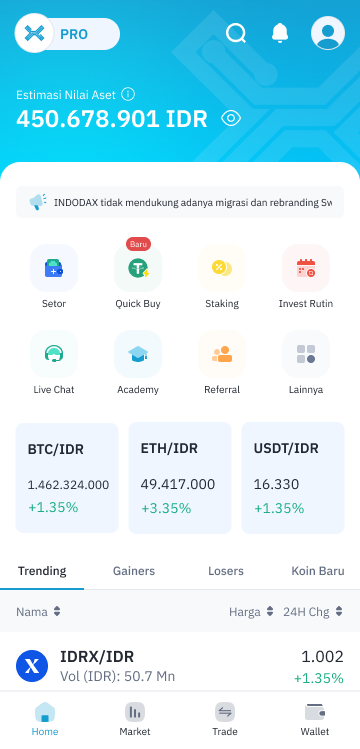
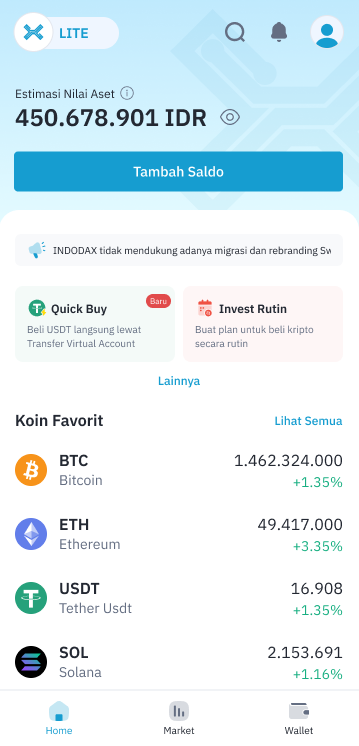
1. Log in, then in Pro or Lite mode, go to “Wallet” and click “Deposit.”
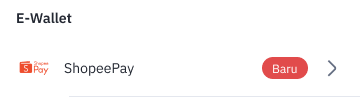
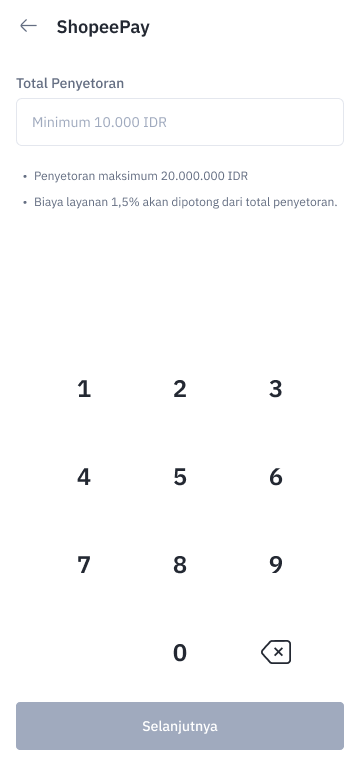
2. Scroll down to the E-Wallet section and select “Shopee Pay” as the deposit method and enter the amount you want to deposit.
3. Enter the amount you wish to deposit, then click “Next.”
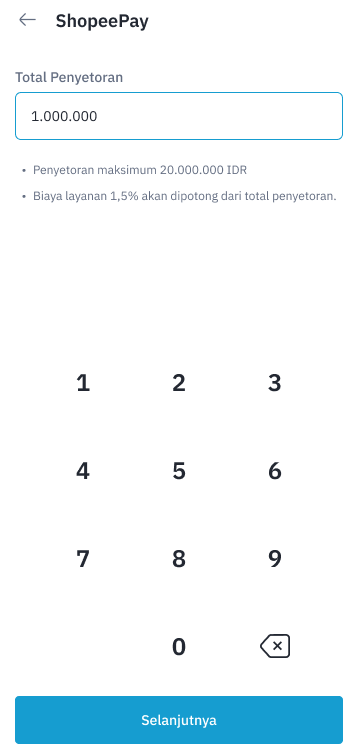
4. Double-check your payment details before continuing. If they are correct, click “Pay.”
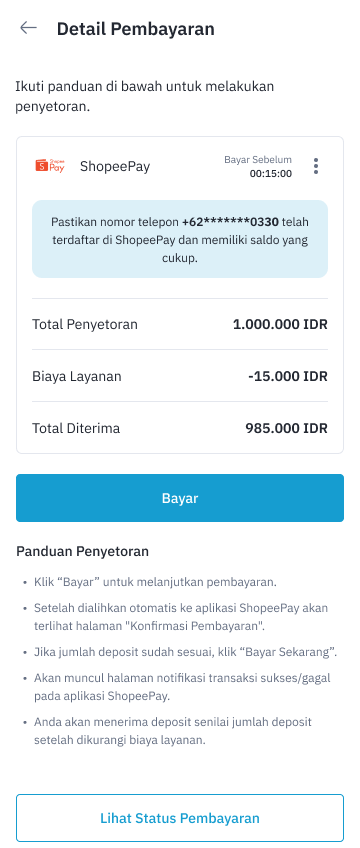
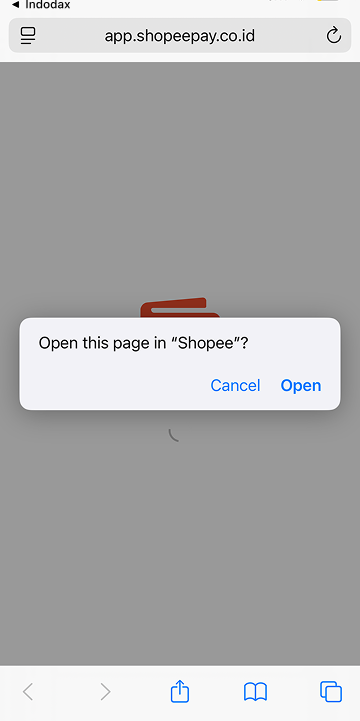
5. The member will then be directed to the Shopee Pay app on the same device to proceed with the payment. Follow the instructions to open the Shopee/Shopee Pay app, click “Pay Now,” and enter your Shopee Pay PIN.
Note: If the member does not have the Shopee Pay app on the same device, the payment will be redirected to the Shopee Pay website, but they can log in to continue.
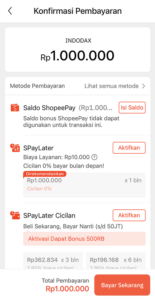
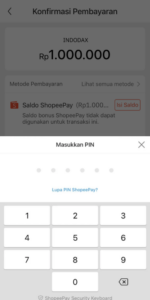
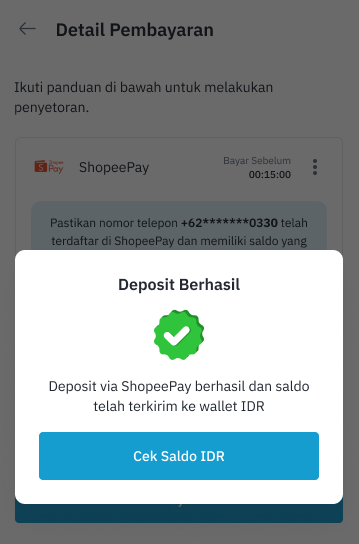
6. A successful deposit notification will then appear.
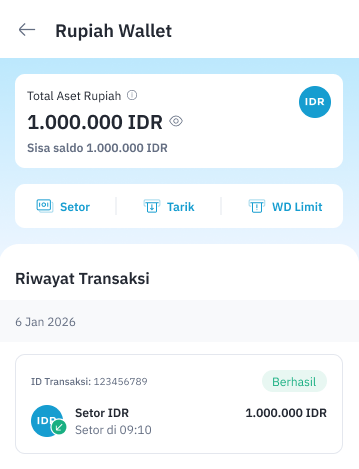
7. Details of the successful deposit can be viewed in the Rupiah Wallet under the “Transaction History” column.
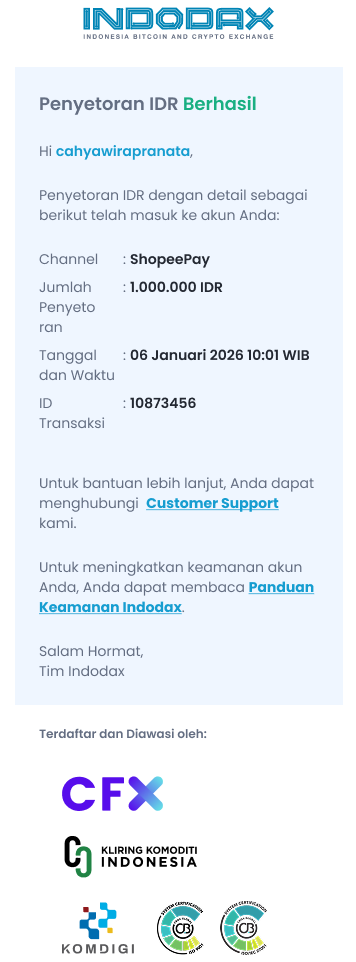
8. A successful deposit notification will also appear, and the member will receive an email confirming the successful IDR deposit with Shopee Pay.
For any inquiries and more information, contact INDODAX Customer Support via email at [email protected] or via phone number at (021) 50658888.
Regards,
INDODAX – Indonesia Bitcoin & Crypto Exchange