Hello INDODAX Members,
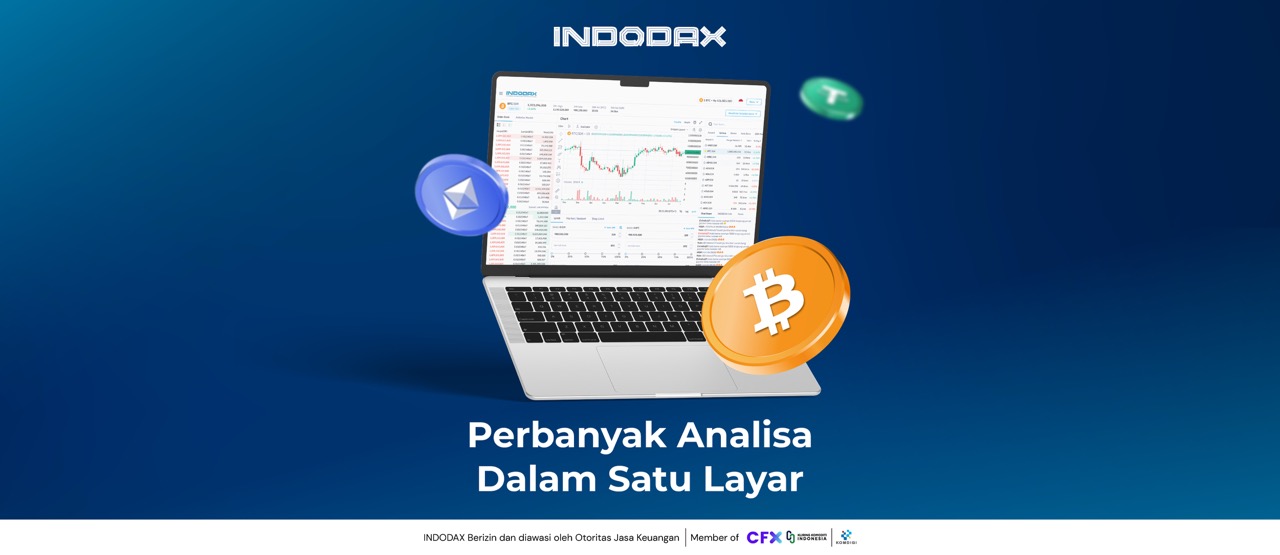
To enhance trading comfort and ease, INDODAX members can now customise the Trade View on the INDODAX website to suit their needs.
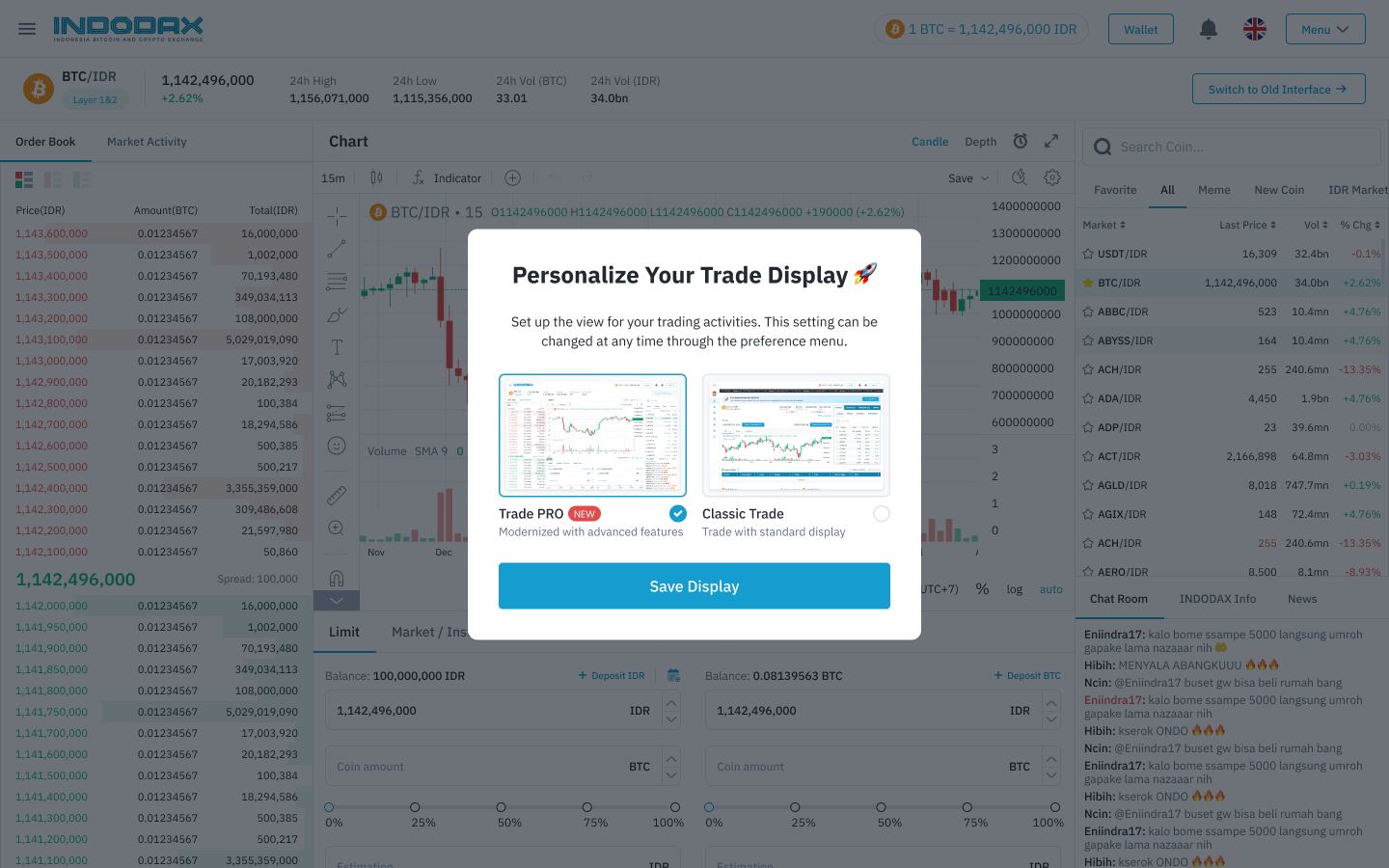
A pop-up will appear immediately upon opening the market. To start personalising your trade view, select Trade Pro, then click “Save Display” for a more seamless trading experience.
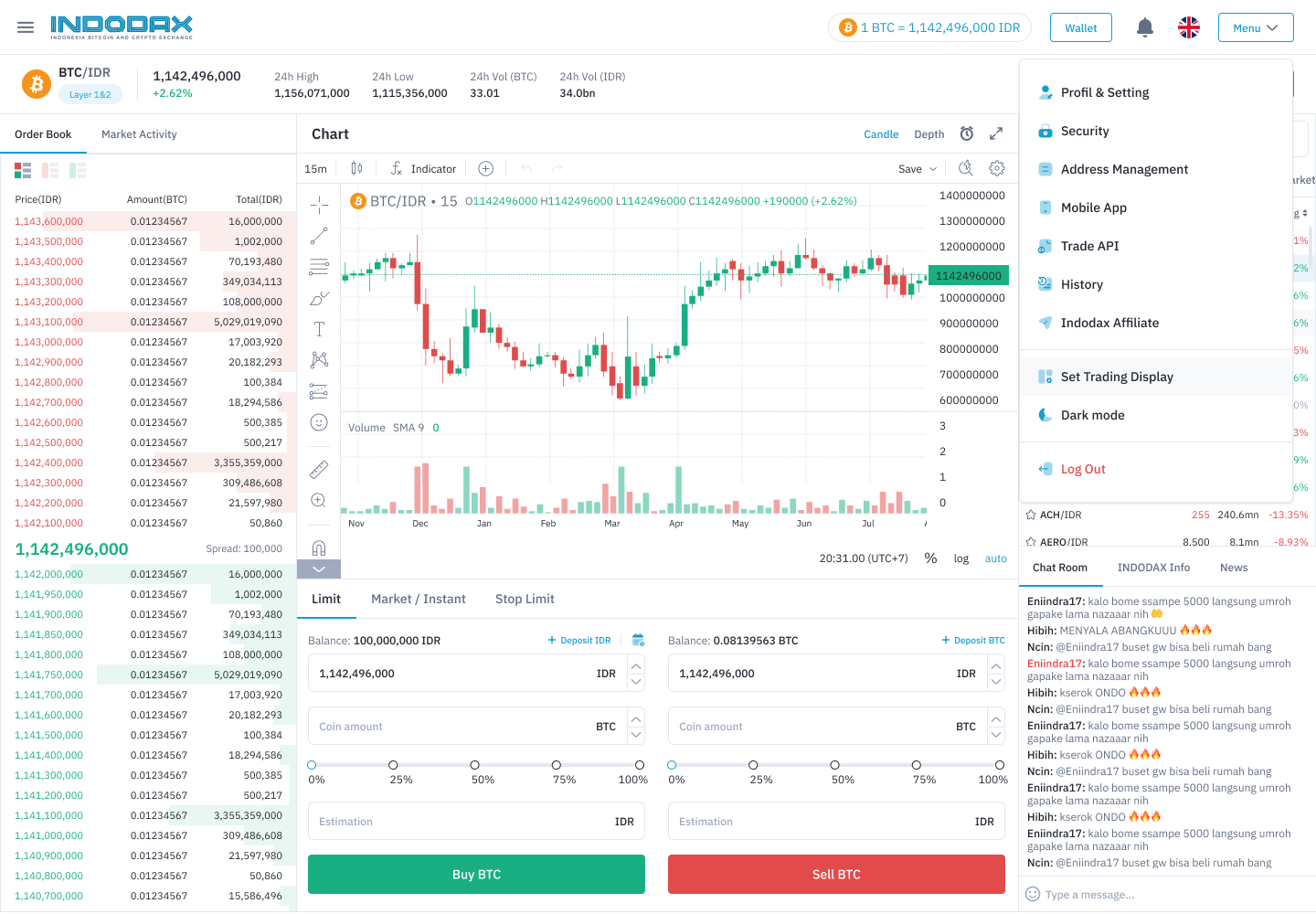
You can also customise your trade display by:
- Click the “Menu” button in the top right corner
- Then, click “Set Trading Display”
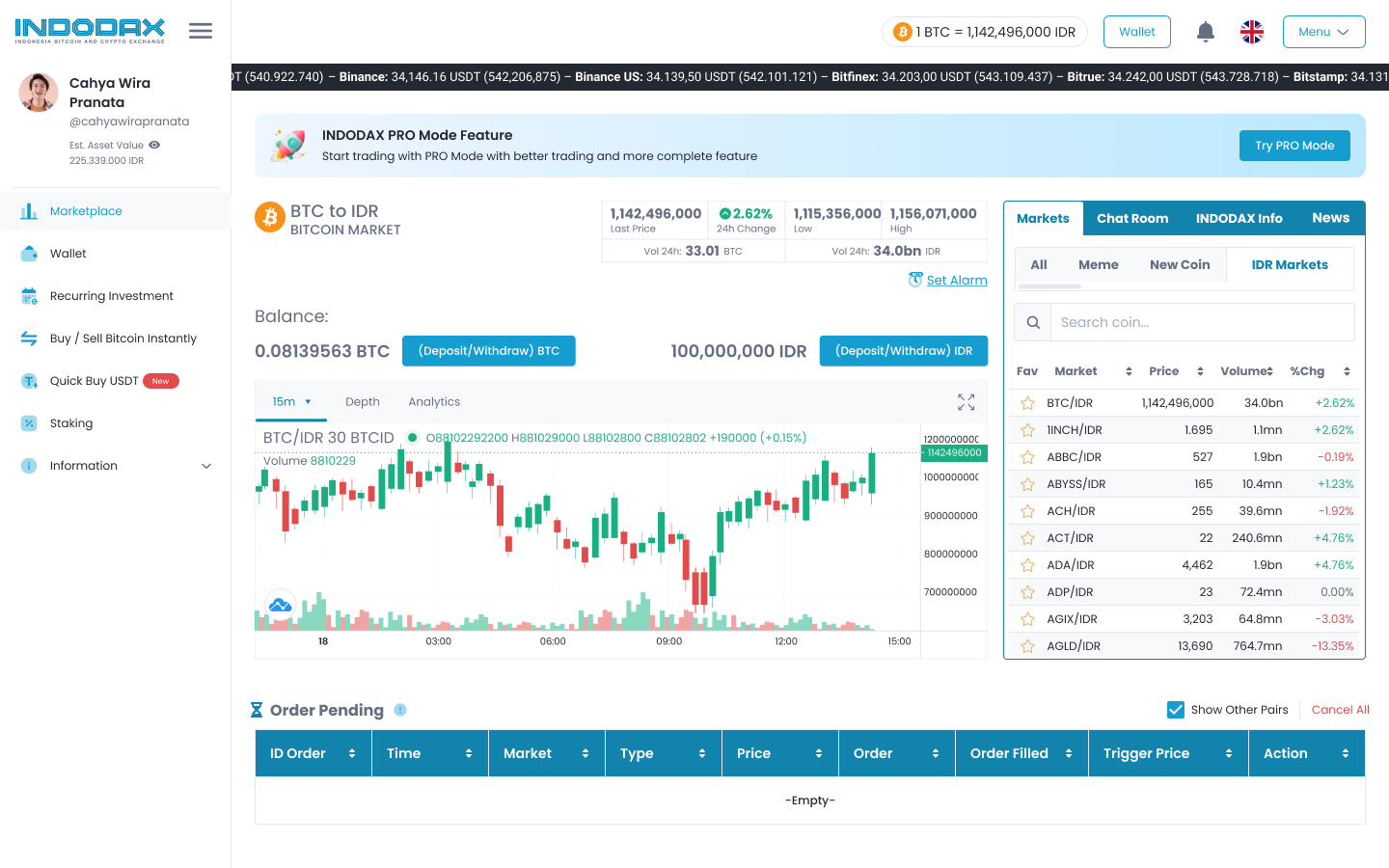
You can also go directly to the Trade Pro view by clicking “Try PRO Mode”, but please note that this button does not change your default view.
Convenience in the Trade Pro view:
- Analyse and save charts in one place
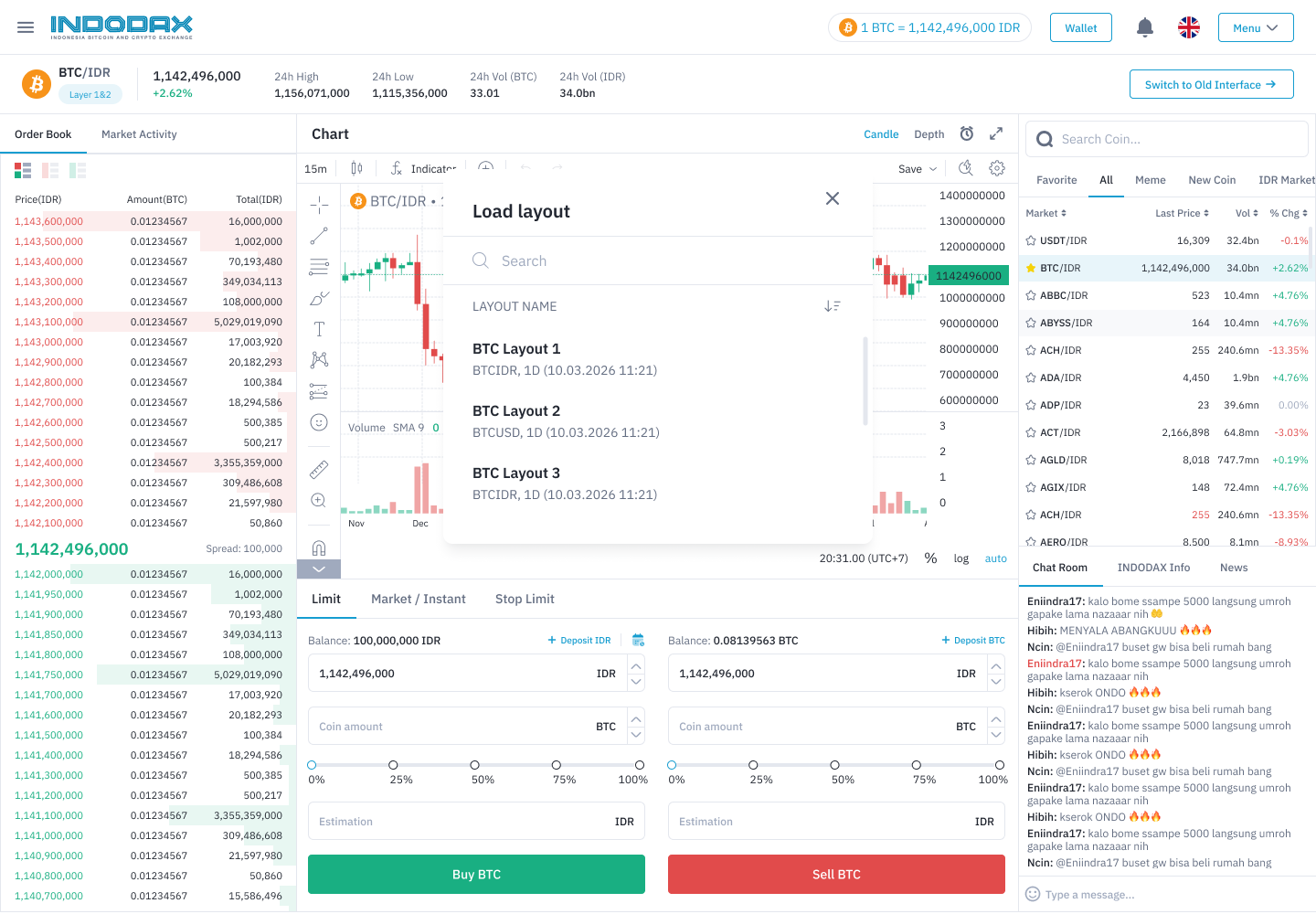
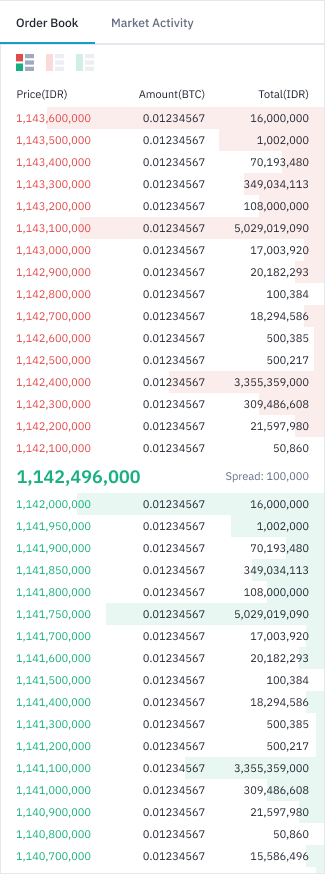
- View multiple order books and market information simultaneously
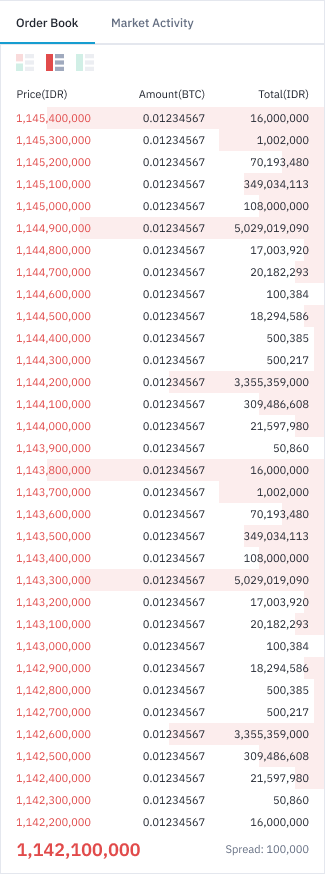
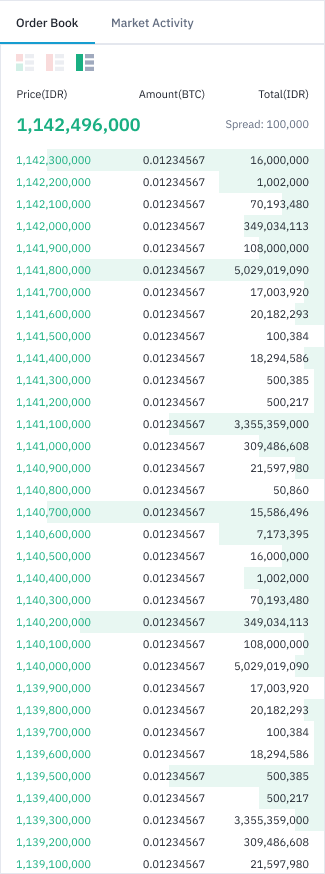
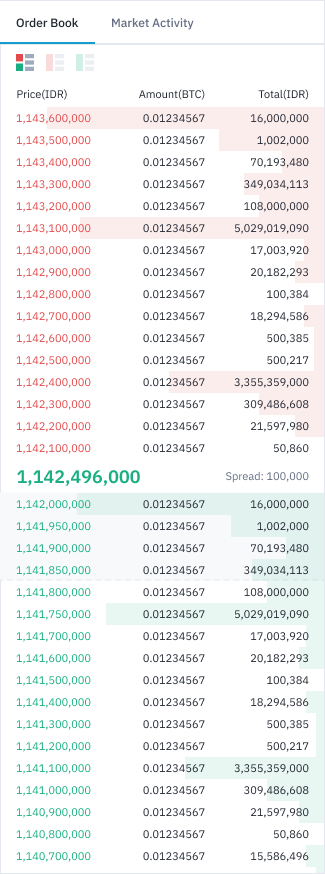
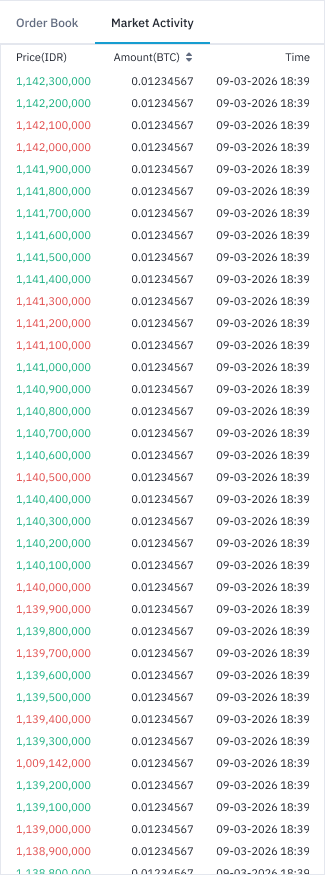
- More practical market depth previews
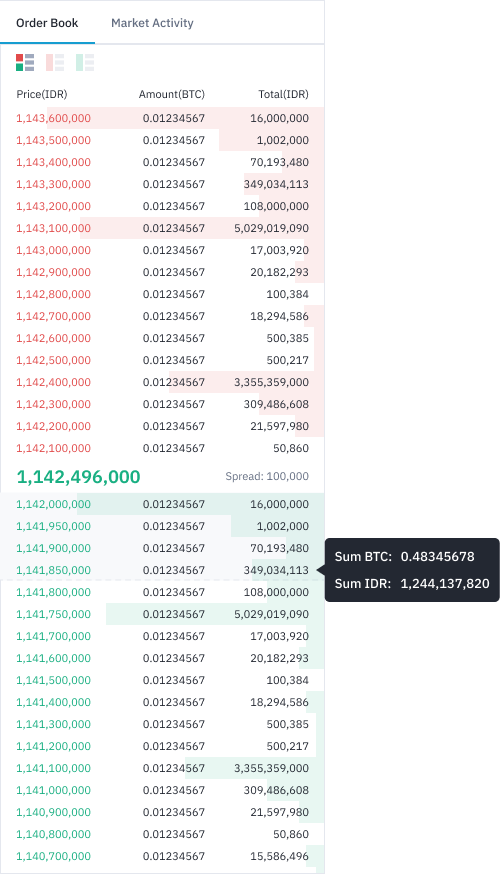
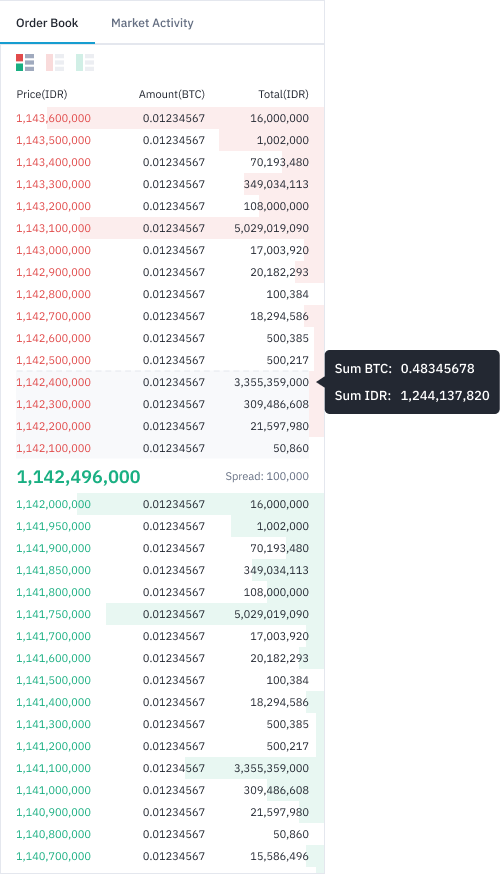
- More transparent spread price visibility
For any inquiries and more information, contact INDODAX Customer Support via email at [email protected] or via phone number at (021) 50658888.
Regards,
INDODAX – Indonesia Bitcoin & Crypto Exchange